Farm finance · Buyer guide
Farm Accounting Software: 5 Options, Prices and Limits
Wave Starter ($0) and GnuCash (open source) cost nothing to use; paid plans checked in October 2026 ran from $119 a year for farm-only bookkeeping to $97 a month for a full small-business plan (list prices).
Key takeaways
- No-cost options: Wave Starter ($0) and GnuCash (open source, GNU GPL); neither has a built-in Schedule F report.
- Paid list prices in October 2026: Farmbrite accounting $119/year, Wave Pro $19/month, Xero $27 to $97/month.
- The IRS (Publication 225) requires records that support your return; software is optional but makes this easier.
- UK sole traders over £50,000 qualifying income had to use Making Tax Digital software from 6 April 2026 (HMRC).
- 85% of US farms had internet access in 2025, up from 70% in 2015 (USDA NASS).
In this article
- Farm accounting software at a glance
- Why farm records need more than a checkbook
- 5 farm accounting software options compared
- Farm accounting software prices
- What no-cost tiers leave out
- How to choose farm accounting software
- Rules that shape your choice in the US, UK and beyond
- How farms use digital tools
- Linking your books to field and fleet data
- Farm income context
- How we checked the numbers
- FAQ
Farm accounting software tracks farm income, costs, inventory and tax records in one place. Several tools have a no-cost option: the Wave Starter plan costs $0, and GnuCash is open-source desktop software you can download at no charge. Paid plans checked in October 2026 ran from $119 a year for a farm-only bookkeeping plan to $97 a month for a full small-business package (list prices).
This guide compares five options, shows what each costs, explains what the no-cost tiers leave out, and gives a simple calculator to test whether a paid plan pays for itself. All prices are list prices from each vendor’s own pricing page, checked on 16 October 2026. Prices change often, so check the page before you buy.
Farm accounting software at a glance
The table sums up the five options, with list prices checked on 16 October 2026. Each has its own section below.
| Option | Lowest price | Next step up | Farm-specific? | Best for |
|---|---|---|---|---|
| Wave | $0 (Starter) | $19/month (Pro) | No | Small farms that send invoices |
| GnuCash | $0 (open source) | None | No | Hands-on bookkeepers on one computer |
| Xero | $27/month (Early) | $59/month (Growing) | No | Farms working with an accountant |
| Farmbrite | $119/year (accounting only) | $29/month (Essentials) | Yes | Farms that want Schedule F reports |
| Spreadsheet | $0 (with software you own) | None | Depends on you | Very small or new farms |
“Farm-specific” means the vendor sells the plan to farms and lists farm tax reports. Generic tools can still work for a farm if you set up a farm chart of accounts.
Why farm records need more than a checkbook
Farm money moves in seasons. Seed, fertilizer and fuel bills come months before the harvest check or the calf sale. Inventory such as grain in the bin or cattle on feed changes value through the year. A good record system shows all of this, not just the bank balance.
Tax rules also push farms toward clear records. The IRS Farmer’s Tax Guide (Publication 225) says a farmer, like other taxpayers, must keep records to prepare an accurate return. It lists the benefits: you can monitor the business, prepare financial statements, identify receipts, track deductible expenses and support items on the return.
The same guide points farmers to the Farm Financial Standards Council, which publishes recommendations for farm financial reporting and analysis. These are useful if you want balance sheets and ratios that a lender will recognize.
Most US farms now have the tools to keep digital books. In the USDA NASS Technology Use report (August 2025), 85% of farms reported internet access, up from 70% in the 2015 Farm Computer Usage and Ownership report.
A dedicated tool helps you split costs by enterprise. A mixed farm may want to know if the cow herd or the corn made money. Most tools do this with “classes”, “tags” or “projects”. Check that the tool you pick has one of these before you enter a year of data.
Chart
US farms with internet access
% of farms, selected survey years
5 farm accounting software options compared
We chose these five because each has a public price page, covers the basic bookkeeping jobs, and is sold in the US, Canada, the UK or Australia. The list is not a ranking. Each “Best for” line names the farm that fits it.
1. Wave
Best for: small farms and market gardens that send invoices and want a $0 start.
In October 2026, the Wave pricing page listed a Starter plan at $0. It lets you create unlimited estimates, invoices, bills and bookkeeping records. The Pro plan is $19 a month or $190 a year in the US ($25 CAD a month in Canada). Pro adds automatic import of bank transactions, auto-merge and categorizing, and lower card fees on the first ten card payments each month. Payroll and receipt scanning are paid add-ons.
Watch out for: Wave is a general small-business tool. It has no farm inventory or Schedule F report, so you map your farm categories yourself.
2. GnuCash
Best for: one person who does the books on one computer and likes full control.
The GnuCash project site describes it as personal and small-business financial accounting software, freely licensed under the GNU GPL. It runs on Windows, macOS, Linux and BSD. It uses double-entry accounting, imports bank files (QIF and OFX), schedules repeat transactions and produces reports and graphs.
Watch out for: GnuCash is built and supported by volunteers, and help comes through mailing lists. There is no vendor support line, and the books live in a file you must back up yourself.
3. Xero
Best for: farms that work with an accountant and want bank feeds and online reports.
The Xero US pricing page listed three plans in October 2026: Early at $27 a month, Growing at $59 and Established at $97. New users were offered a discount for the first three months. The Early plan limits you to 20 invoices. All plans reconcile bank transactions and show reports, and higher plans add cash flow forecasts, multiple currencies and project tracking.
Watch out for: Xero has no $0 plan in the US, and payroll is an add-on. Farm inventory and Schedule F lines need set-up or an add-on app.
4. Farmbrite
Best for: US farms that want farm-specific tax reports and record keeping in one place.
In October 2026, the Farmbrite pricing page listed an accounting-only plan at $119 a year. It covers bookkeeping, Schedule F tax reporting, profit and loss statements, budgeting, cash flow reports, accountant access, receipt scanning and bank import. Livestock plans start at $29 a month ($290 a year), crop grower plans start at $29 a month and complete plans start at $59 a month. The page offers a trial period before you pay.
Watch out for: there is no $0 plan, and the Schedule F report is built for US farm tax returns. Farms in Canada, the UK or Australia should check it fits their own tax forms.
5. A spreadsheet with a farm chart of accounts
Best for: very small or new farms that want to learn their numbers before paying for software.
A spreadsheet costs nothing extra if you already own the software. It works if you use the same categories every month. Our guide to setting up an agriculture chart of accounts shows how to group farm income and costs so they match your tax return.
Watch out for: spreadsheets have no bank feed, no audit trail and no locked periods. Mistakes in a formula can go unnoticed. Once you have many transactions a month, a dedicated tool usually saves time.
Farm accounting software prices
The chart compares the monthly list price of each paid plan we checked. Yearly plans are shown as a monthly figure (yearly price divided by 12). Wave Starter and GnuCash cost $0 and are left out of the chart.
Chart
Monthly list price of paid plans
US$ per month, list price after intro discounts, checked 16 October 2026; yearly plans divided by 12
Two points stand out. First, the farm-only accounting plan from Farmbrite works out at about $10 a month, cheaper than the paid tiers of the general tools. Second, prices rise fast once you need extra features such as payroll, inventory or many users. Intro discounts also make the first months look cheaper than the real cost.
When you compare, use the full list price after any discount ends, add the cost of add-ons you need (payroll, receipt scanning, extra users) and add any card fees if you take payments online.
What no-cost tiers leave out
A $0 plan is a good way to start, but check the limits before you rely on it. Based on the plans above, the common gaps are:
- Bank feeds: on Wave, automatic bank import is part of the paid Pro plan, so on Starter you enter or upload transactions yourself.
- Support: GnuCash support is through volunteer mailing lists, not a help desk.
- Farm reports: neither Wave nor GnuCash has a built-in Schedule F report. You build one from your categories.
- Payroll: on Wave and Xero, payroll is a paid add-on.
- Inventory and enterprises: tracking grain, feed or livestock by group usually needs a farm-specific tool or careful set-up.
The UK tax authority makes a similar point about tax software. Its guide to Making Tax Digital software says no-cost products exist for people with simple tax affairs, but they may have limits, such as a set number of transactions.
How to choose farm accounting software
Follow these steps before you sign up:
- List your jobs. Invoices, bills, payroll, inventory, loans, tax forms. Mark the ones you need now and the ones you need in two years.
- Ask your accountant. Many accountants prefer one or two tools. Using the same tool saves fees at tax time.
- Check the tax form. In the US, check that you can produce Schedule F totals. In the UK, check that the tool is recognized for Making Tax Digital if you need it.
- Count users and enterprises. A family farm with a bookkeeper, an accountant and two enterprises needs more than a one-user plan.
- Test with real data. Enter one month of your own transactions during a trial period before you pay for a year.
- Plan your exit. Check that you can export your records to a common file format such as CSV.
Then decide if a paid plan is worth it. The main gain is time: bank feeds and rules can cut the hours you spend typing in transactions. Use the calculator below with your own numbers.
Try the numbers for your own farm below.
Calculator
Does a paid plan pay for itself?
Enter the plan price, the hours it saves you and what your time is worth.
- Yearly plan cost: $240
- Yearly value of time saved: $240
- Hours saved per month to break even: 1.0 hours
Example values only, not a benchmark or a forecast; the defaults are set to break even. Every number is your input. Add the cost of any add-ons (payroll, extra users) to the monthly price.
Rules that shape your choice in the US, UK and beyond
In the US, there is no rule that you must use software. The IRS asks for records that support your return, in any form, and Publication 225 explains what to keep and for how long. Software makes the records easier to keep and search.
In the UK, the rules are changing. Under HMRC’s Making Tax Digital for Income Tax, sole traders and landlords with qualifying income over £50,000 in the 2024 to 2025 tax year had to start using compatible software from 6 April 2026. The threshold falls to £30,000 from April 2027 and £20,000 from April 2028. Partnerships will follow later. Farmers who trade as sole traders in the UK should check this guide before choosing a tool.
In Canada, Australia and New Zealand, check the guidance from your tax agency and ask your accountant which tools they accept. Tax and legal rules vary, so get professional advice before you change how you file.
How farms use digital tools
The USDA NASS report gives a picture of what US farms had in 2025. Most farms had a smartphone (82%) and a desktop or laptop computer (68%). Half of farms (50%) used the internet to buy farm inputs, and 29% used it to market farm products.
Chart
Technology on US farms
% of farms, 2025
This matters for software choice. If you will mostly use a phone, test the mobile app before you buy. If your farm has slow internet, a desktop tool or one that works offline may suit you better. The same report found 55% of farms used a broadband connection and 74% had internet through a cellular data plan.
Linking your books to field and fleet data
Accounting tools tell you what you spent. They do not tell you which field needs attention or where a truck went. Some farms connect their books to other tools. Our review of accounting, CPQ and field mapping software for agriculture covers how quoting, mapping and accounting tools fit together for farm businesses.
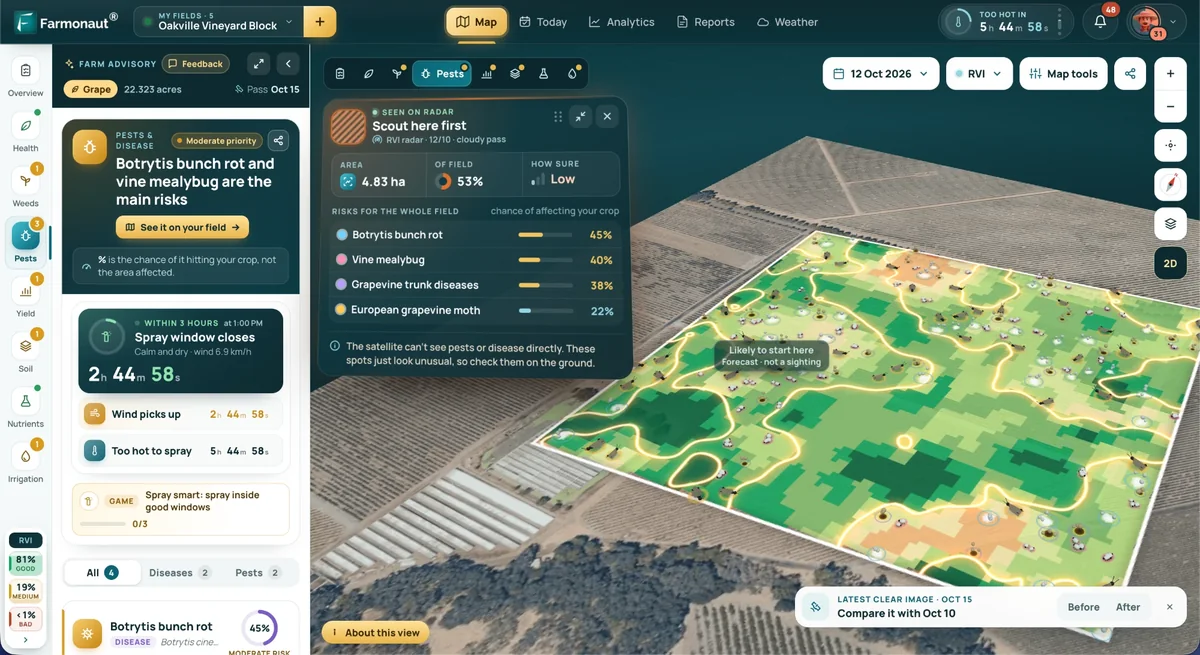
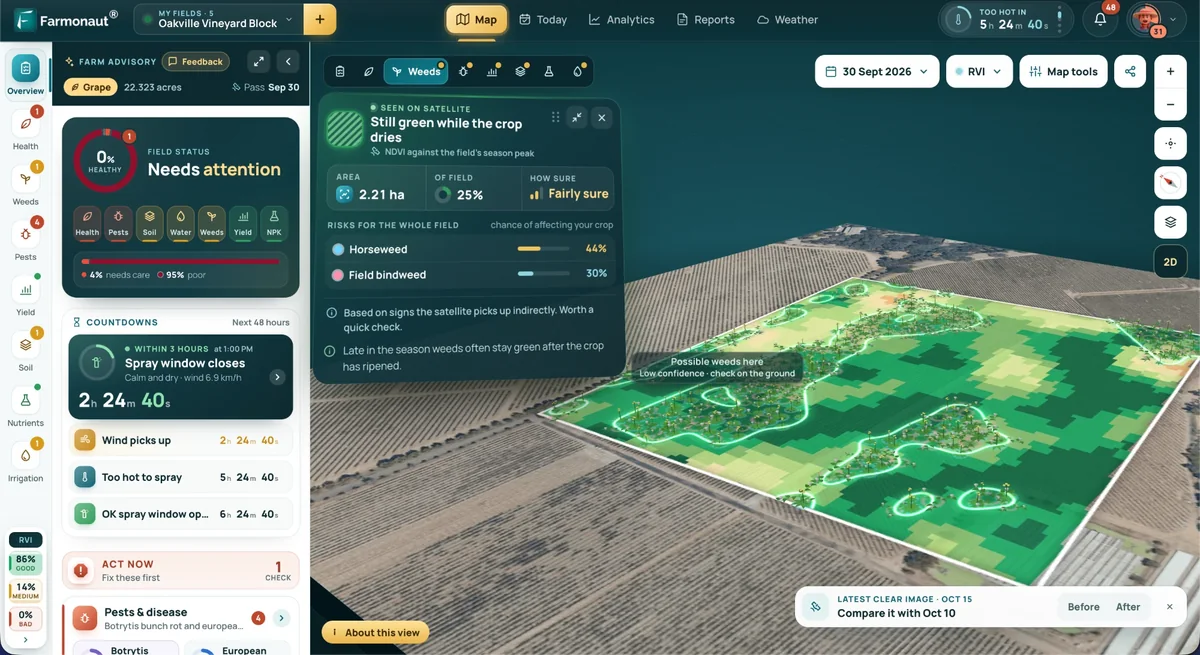
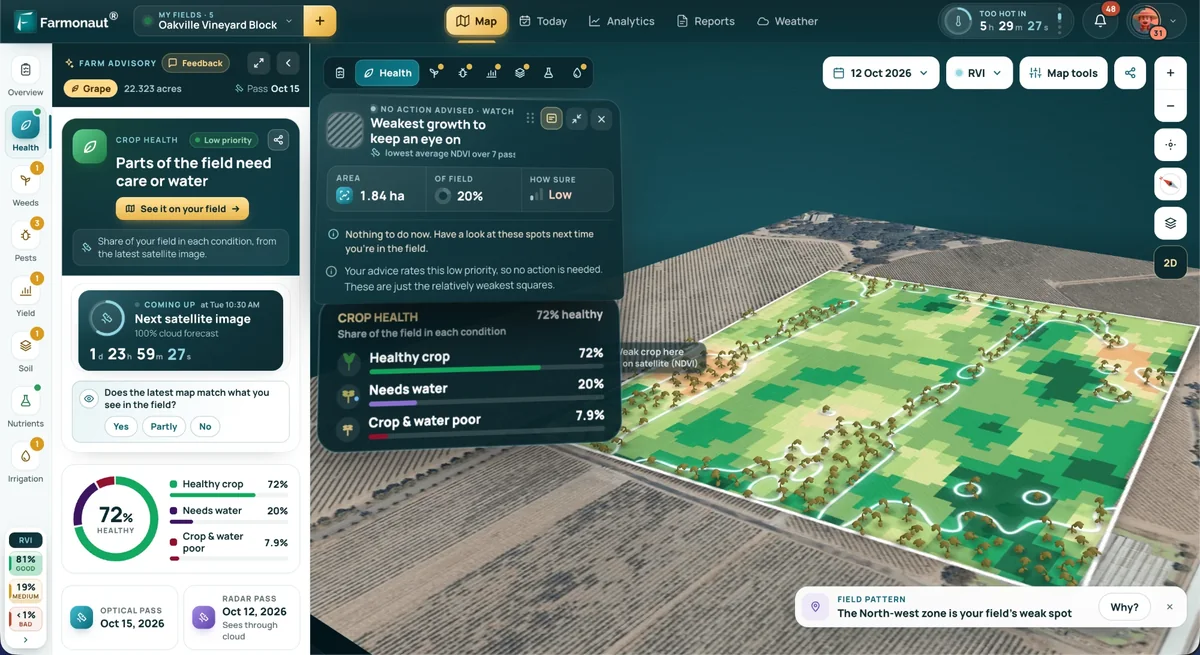
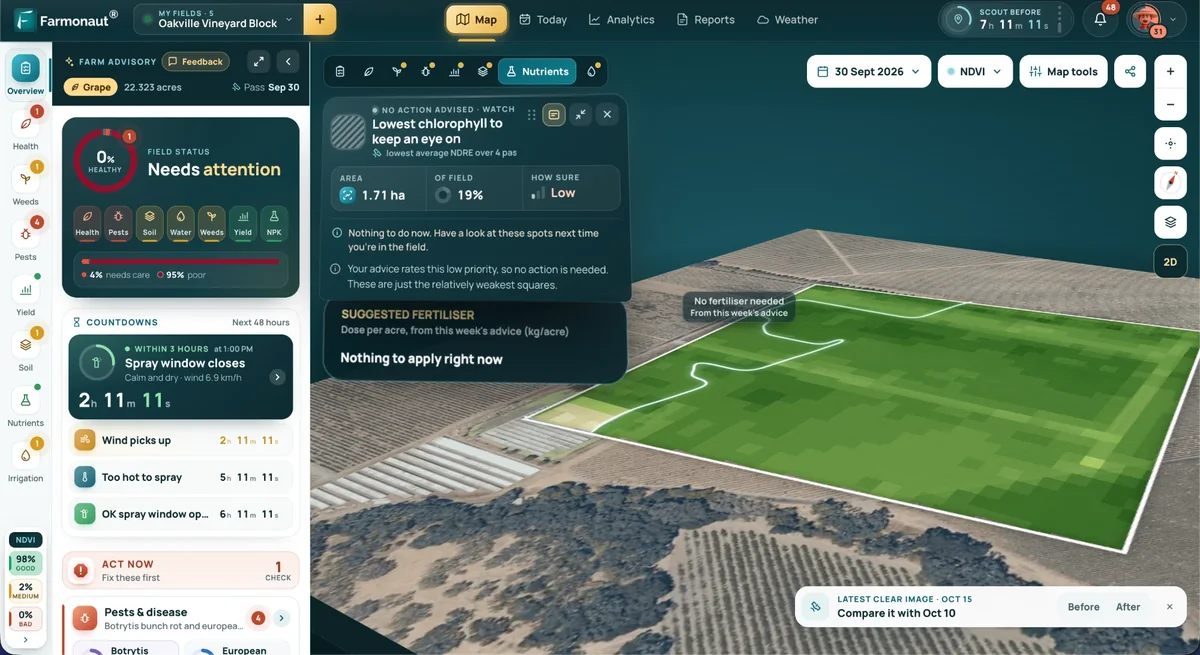
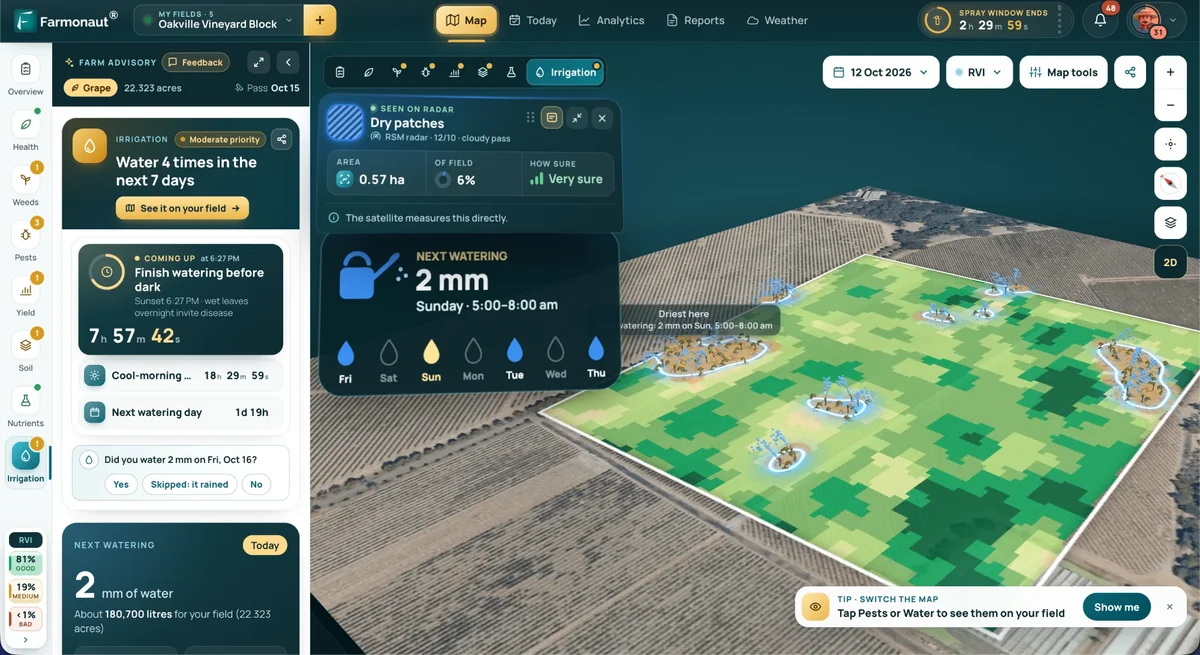
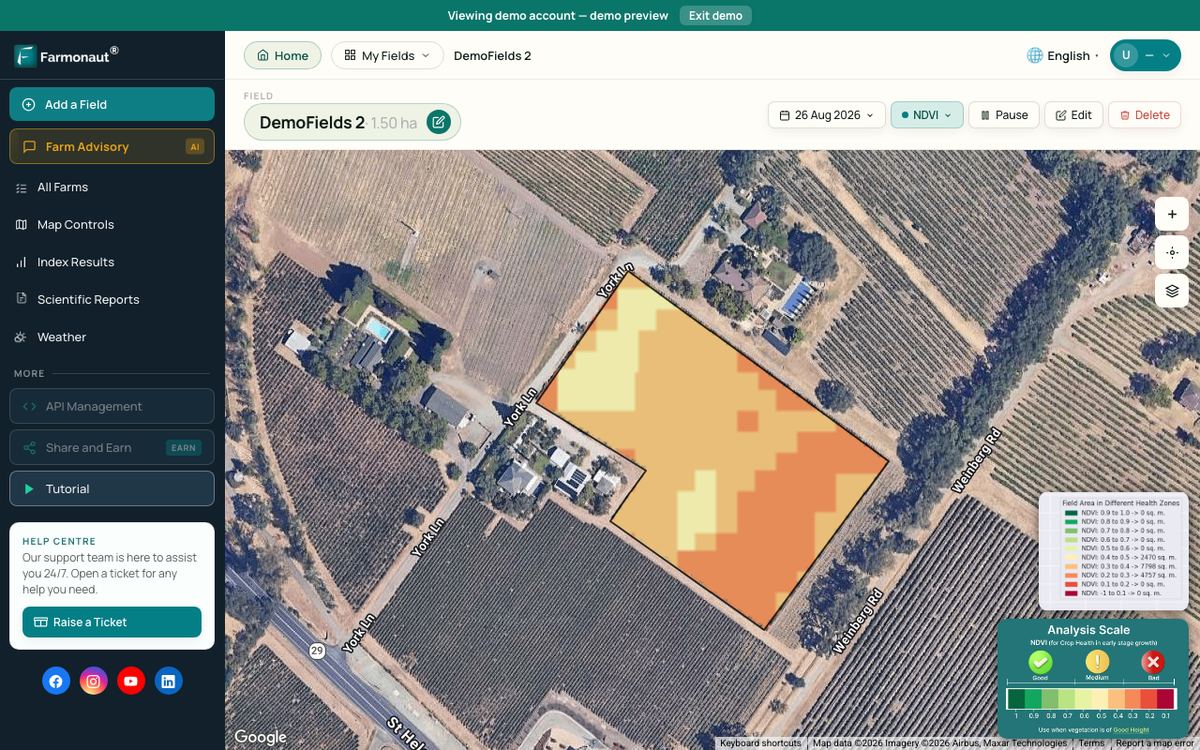
Satellite crop monitoring is one such add-on. The Farmonaut Satellite + AI Farm Monitoring System shows vegetation maps of your own fields through the season on web, Android and iOS, which can help you decide where to scout before you spend on inputs. It is a separate subscription, not an accounting tool. Developers can use the satellite and weather API documentation or the API sign-up page to bring field data into their own systems.
Related pages on our site: large-farm admin app, carbon footprinting, product traceability, fleet management, mobile app download.
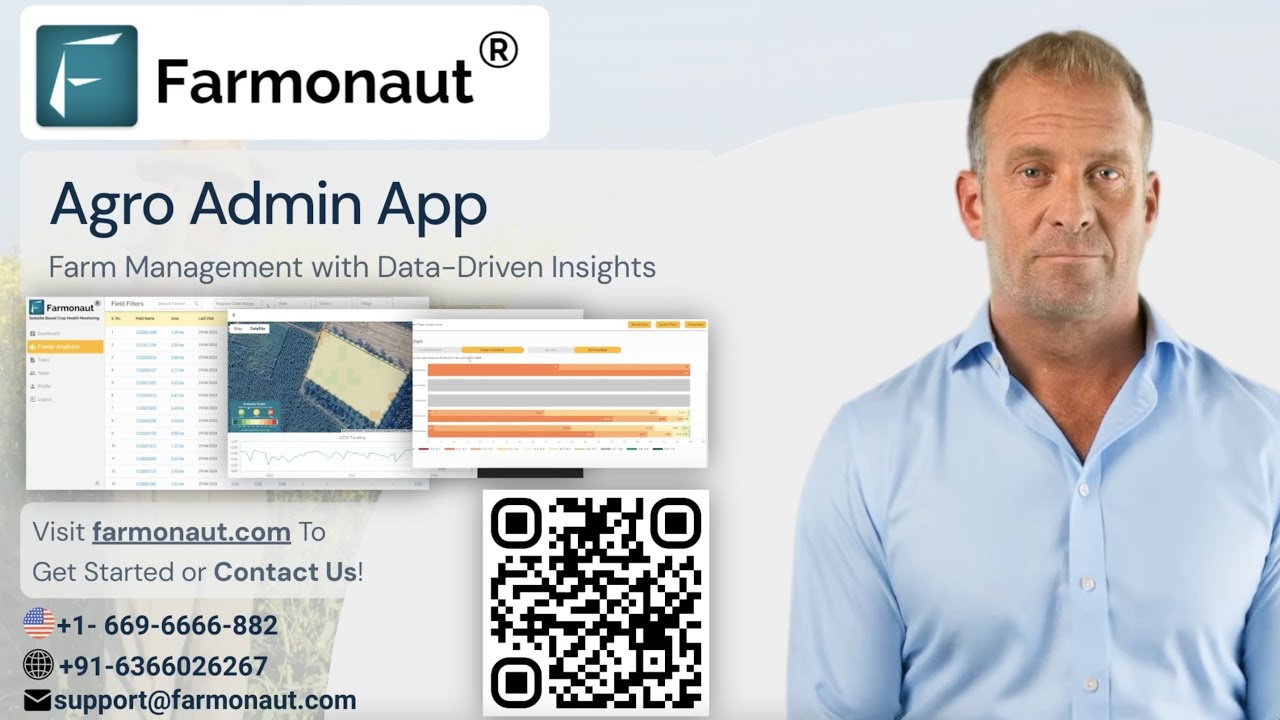
▶ A walk-through of the Farmonaut Agro admin app for managing tasks and crop health on large farms. · 7:27
Farm income context
Good books matter more when margins are tight. The USDA Economic Research Service forecast (September 2026) puts US net farm income at $158.4 billion for 2026, down $4.3 billion (2.6%) from 2025 in nominal dollars, and down 5.5% after adjusting for inflation. These are sector-wide forecasts, not results for any one farm.
When income falls, lenders look harder at balance sheets and cash flow. A tool that produces clean profit and loss statements and a balance sheet can make a loan meeting shorter and easier.
▶ How satellite NDVI maps show crop stress across a large farm before it is visible on the ground. · 4:09
How we checked the numbers
We opened each vendor’s US pricing page on 16 October 2026 and recorded the list price after any intro discount. We did not test the software ourselves, and we did not receive payment from any vendor. We left out tools whose pricing page we could not open. Farm technology figures come from USDA NASS reports for 2015 and 2025, and income figures from the USDA Economic Research Service. Tax rules come from the IRS and HMRC.
FAQ
Is there farm accounting software with no cost?
Yes. In October 2026, Wave’s Starter plan cost $0 and GnuCash was open-source software with no license fee. Neither is built only for farms, so you set up farm categories yourself. Spreadsheets are another no-cost option if you already own the software.
What is the best accounting software for farmers?
It depends on the farm. A small farm that sends invoices may be fine on Wave. A farm that works with an accountant may prefer Xero. A US farm that wants Schedule F reports in a farm tool may prefer Farmbrite. Ask your accountant which tool they support.
What features should farm accounting software have?
Look for income and expense tracking, bank import, a farm chart of accounts, enterprise or class tracking, profit and loss and balance sheet reports, tax-form totals (such as Schedule F in the US), accountant access and data export.
Do UK farmers need Making Tax Digital software?
Sole traders with qualifying income over £50,000 in the 2024 to 2025 tax year had to use compatible software from 6 April 2026, according to HMRC. Lower thresholds apply from 2027 and 2028. Check the HMRC guide and ask an accountant about your case.
How much does farm accounting software cost?
Among the plans we checked in October 2026, list prices ran from $0 (Wave Starter, GnuCash) to $119 a year for a farm-only accounting plan, and up to $97 a month for a full small-business plan. Add-ons such as payroll cost extra.
Farmonaut crop monitoring
See your own fields from space
Draw your fields once and Farmonaut shows satellite vegetation maps for them through the season, on web, Android or iOS.



Keep reading
Sources
- USDA NASS, Technology Use (Farm Computer Usage and Ownership), August 2025: esmis.nal.usda.gov
- USDA NASS, Farm Computer Usage and Ownership, August 2015: esmis.nal.usda.gov
- USDA NASS, Farm Computer Usage and Ownership, August 2019: esmis.nal.usda.gov
- USDA NASS, Farm Computer Usage and Ownership, August 2021: esmis.nal.usda.gov
- USDA ERS, Highlights from the Farm Income Forecast (September 2026): ers.usda.gov
- IRS, Publication 225, Farmer’s Tax Guide (2025): irs.gov
- Farm Financial Standards Council: ffsc.org
- HMRC, Check if you’re eligible for Making Tax Digital for Income Tax: gov.uk
- HMRC, Find software that’s compatible with Making Tax Digital for Income Tax: gov.uk
- GnuCash project home page (2026): gnucash.org
- Wave, pricing page (accessed October 2026): waveapps.com
- Xero US, pricing plans (accessed October 2026): xero.com
- Farmbrite, plans and pricing (accessed October 2026): farmbrite.com
Discussion
Questions, corrections or field experience? Share them below. First-time comments are reviewed before they appear, and your email is never published.
No comments yet. Be the first to add a question or your experience.

 Adinet
 Save Your Soils
 YelloSkye
 GalaxEye Space
 Grandstream Algérie
 XOS Realty
 Geospatial Lab Africa
 Agro La Gándara
 HIPSAC
 ZOL Zimbabwe
 Juligerm
 AdBio
AdBio MISE Maroc
 NWNS
NWNS Red August Group
 Farm Inc
 WeMe Global
 Agrotoken
 Blue BearX
 Insignito
 Licence holder · Niger · Gold
 Licence holder · Nigeria · Gold + lithium